Magic Search
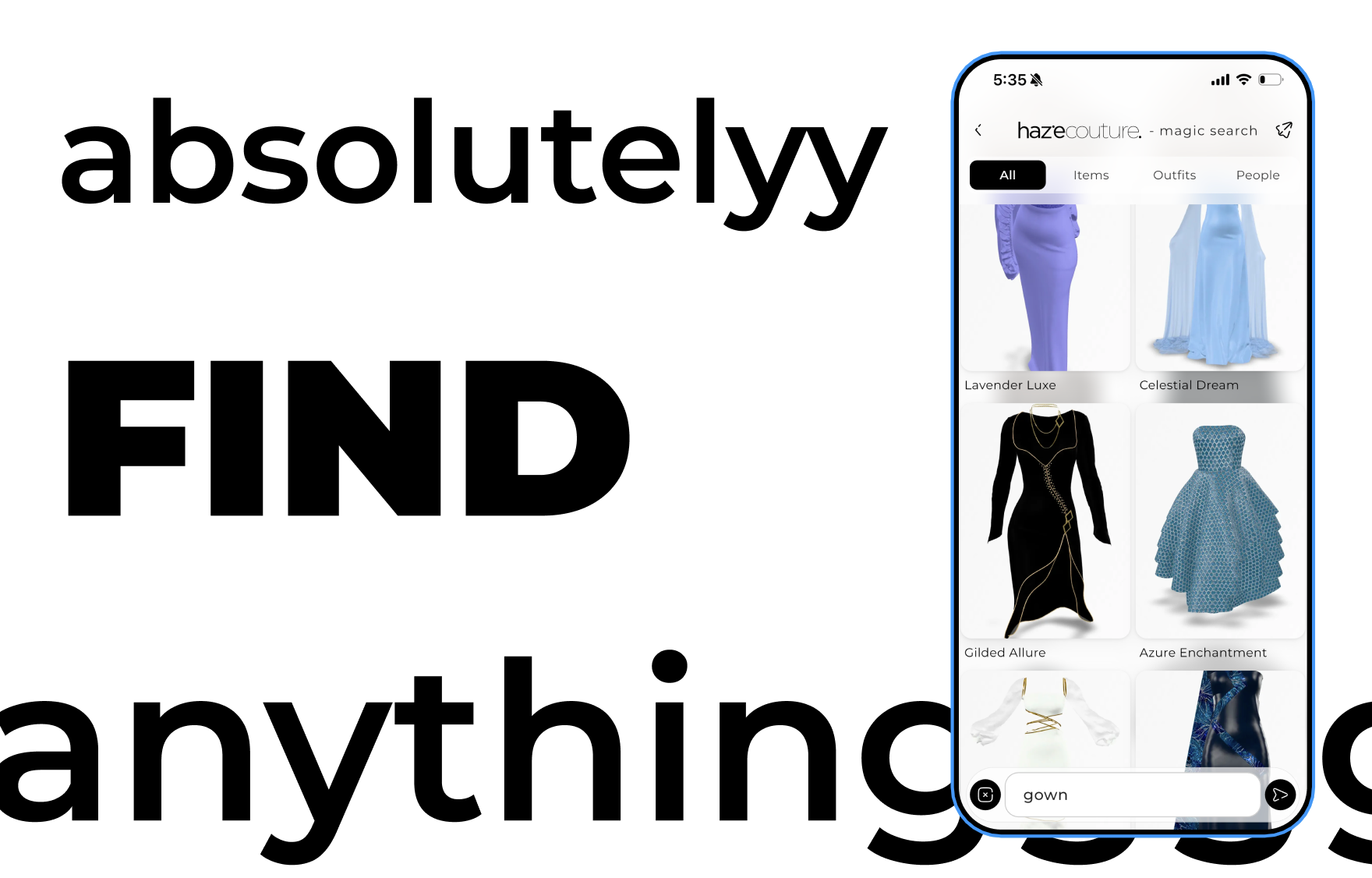
Magic Search helps you quickly find outfits, inspo posts, and fashion content in Haze. Search by typing or using voice, filter results, and instantly open items in Shop 3D to try them on or add them to your cart.
Long-form pieces and product stories from Haze.

Magic Search helps you quickly find outfits, inspo posts, and fashion content in Haze. Search by typing or using voice, filter results, and instantly open items in Shop 3D to try them on or add them to your cart.
The Body Scan creates your digital body profile in Haze using measurements and photos. It enables accurate try-ons and personalized recommendations across shopping and First Looks.
Set your Shopping Preferences after completing your Body Scan to personalize what you see in Haze. Choose your reason for shopping, preferred style, and fit to tailor your First Looks and in-app recommendations.
First Looks are personalized try-on previews that show how outfits appear on your body using your body scan and shopping preferences. Browse your looks before entering the Haze shop.
Create a Haze account to start shopping and unlock personalized features. Sign up using your name, username, email or phone, and verification code, or use Google or Apple for faster access.
Talk With Haze is your voice-powered shopping assistant. Speak or type what you’re looking for and Haze will respond with product suggestions you can explore, try on, or shop instantly.

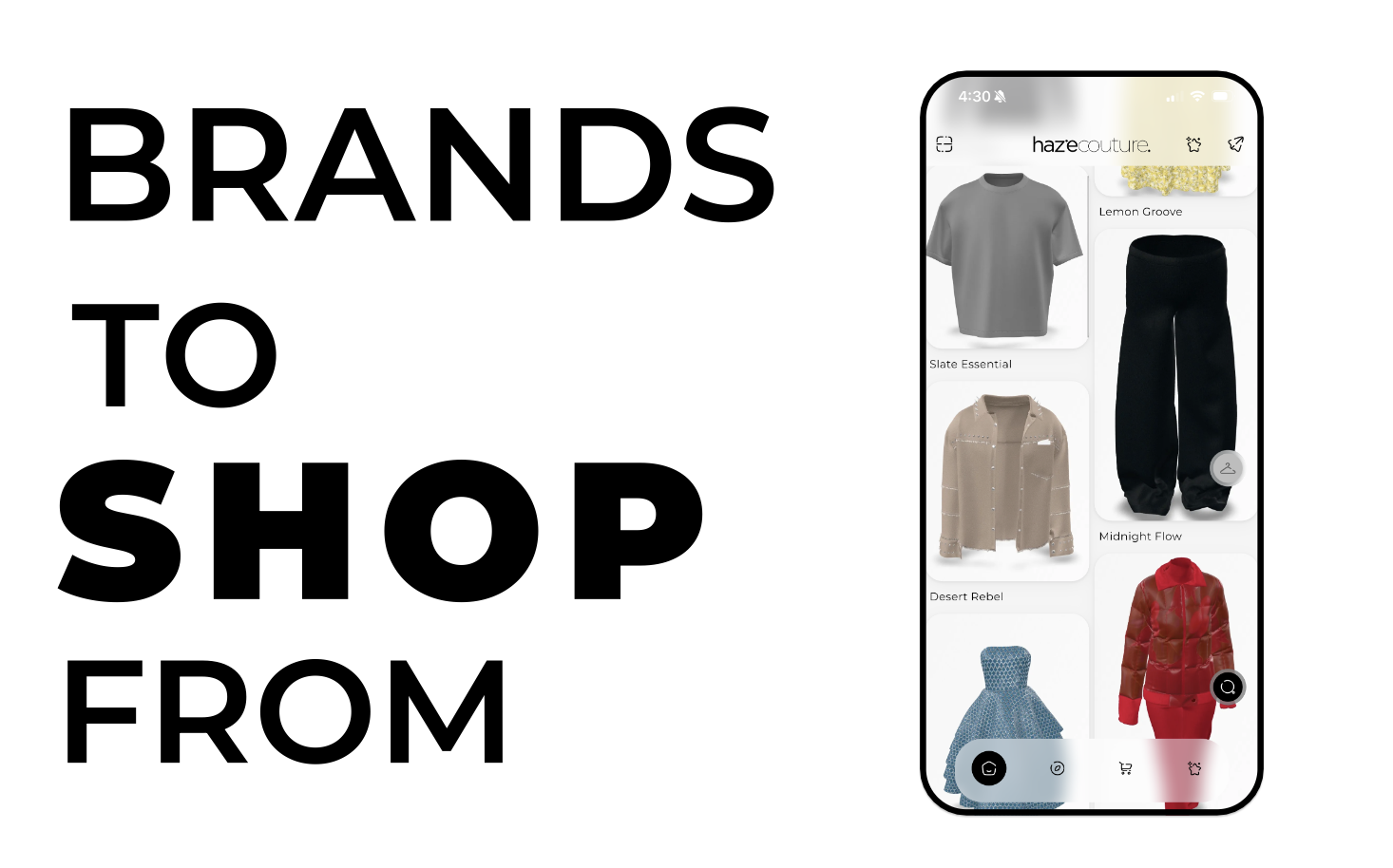
The Shop tab is where you browse outfits in a 2D grid before opening them in immersive 3D. Scroll through the feed, tap an outfit to explore details, try it on, or add it to your cart.

Wardrobes in Haze let you organize your clothing items and outfits into personal collections. Create, edit, and try on multiple items at once to plan looks for any occasion.

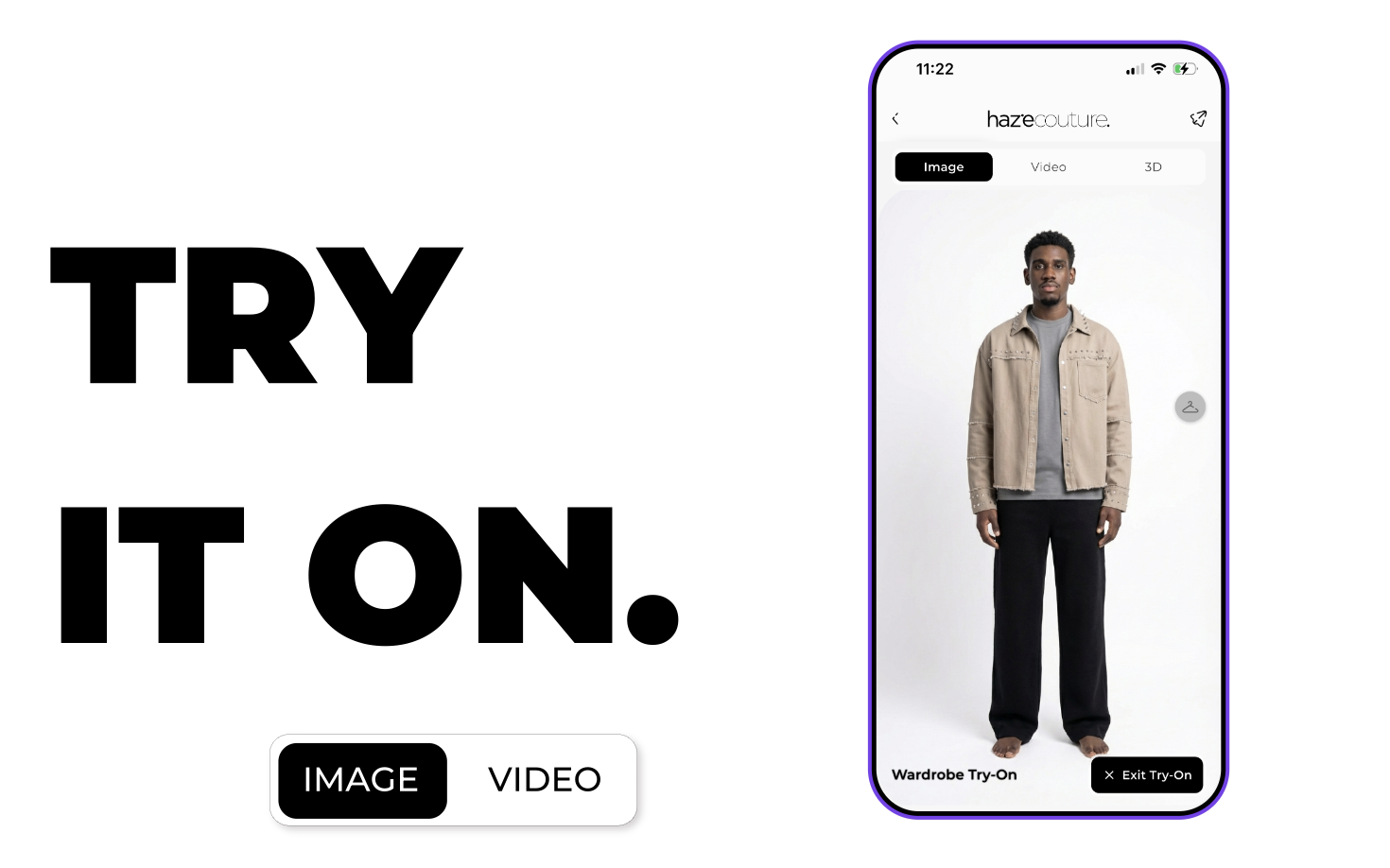
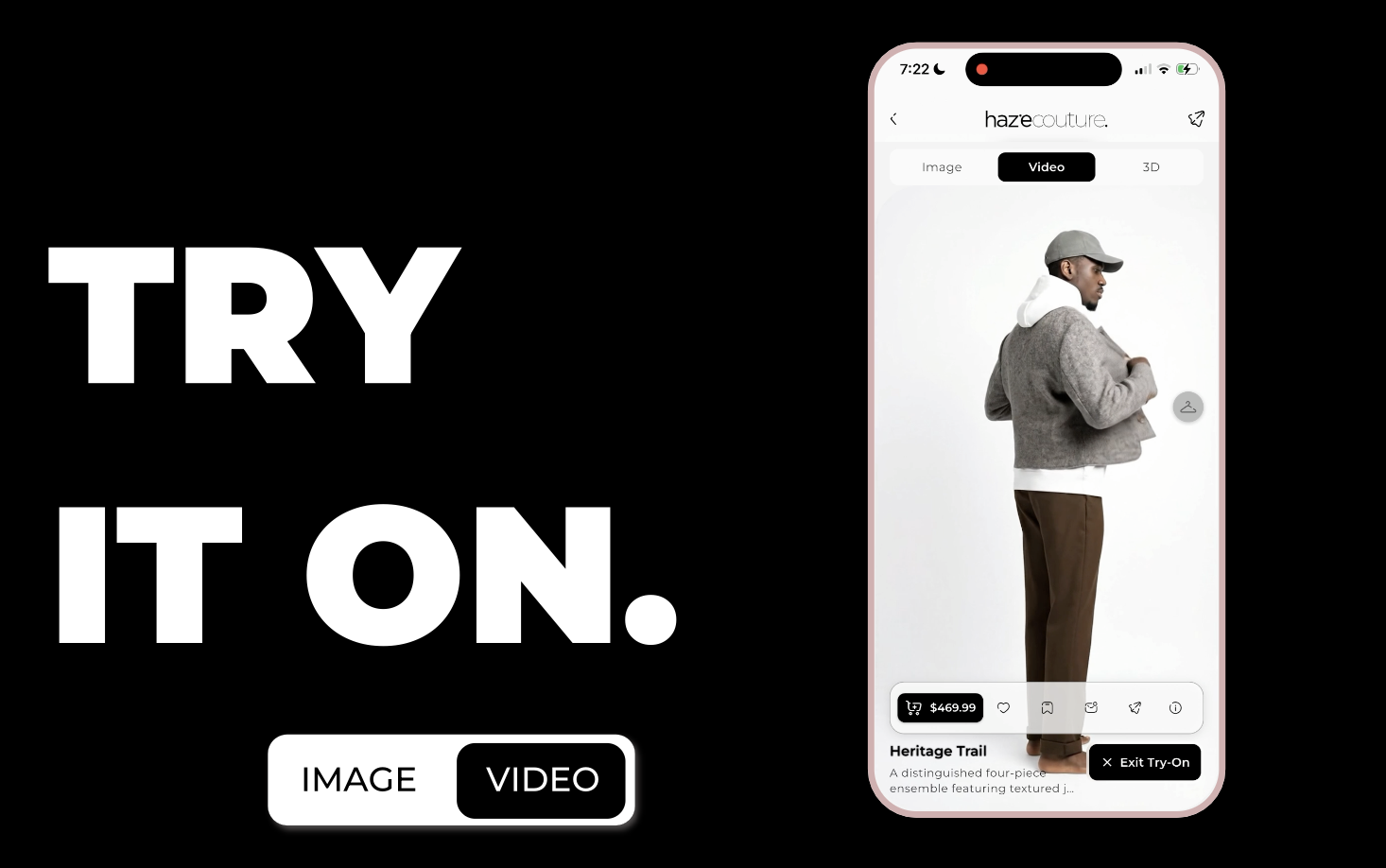
Try Ons let you see how clothing items or full outfits look on you using your body scan. View images, videos, or 3D previews and experiment with multiple items from your wardrobe or inspo posts.

Inspos are social fashion posts where users share outfits, clothing items, or styled looks. You can like, save, comment, share, or instantly try on the items featured in any inspo.
The Orders tab lets you track and manage purchases made in Haze. View past and current orders, filter by status, search for specific orders, and open detailed progress or tracking information.